What Makes a Bible App Easy for Seniors to Use?
Discuss the accessibility features that matter most: large readable text, clear buttons, high contrast, simple menus, audio playback, and no unnecessary distractions.
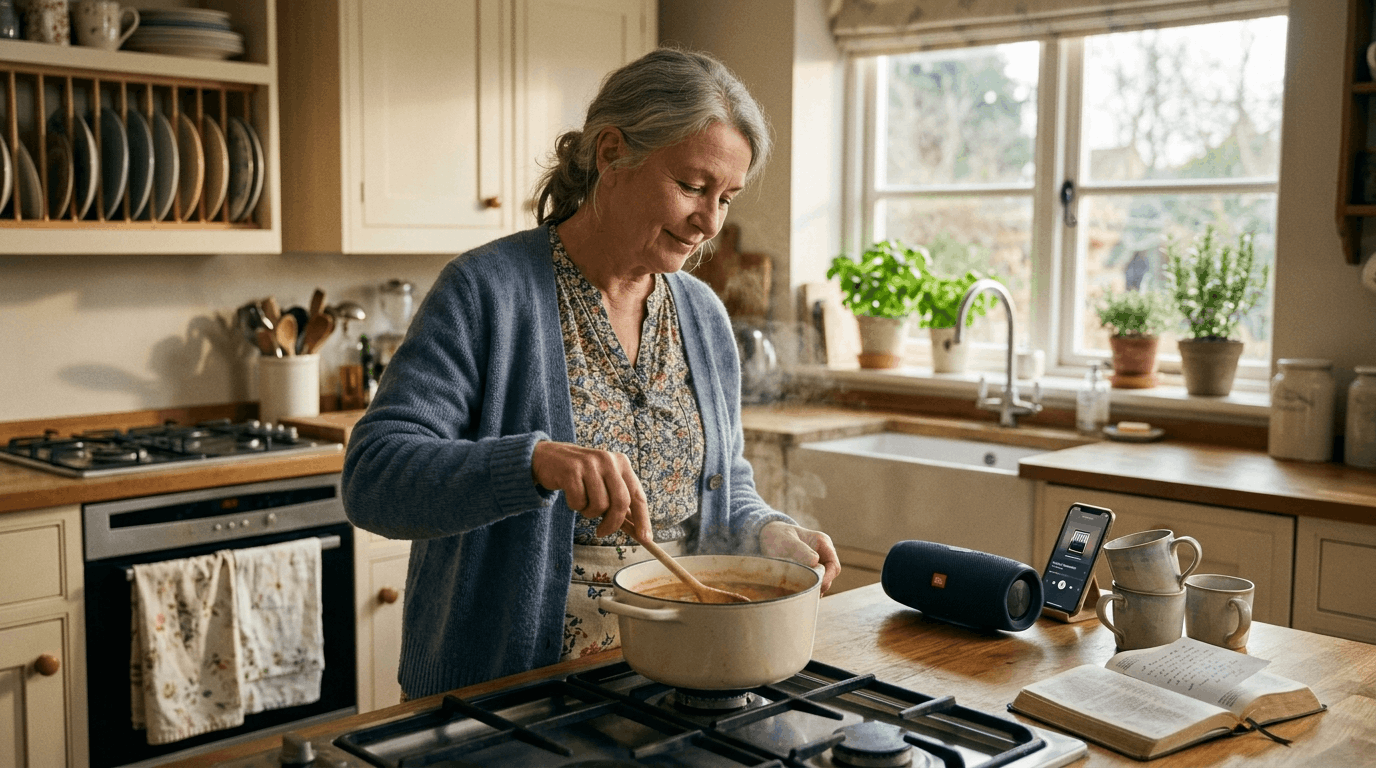
What Makes a Bible App Easy for Seniors to Use?
What is the best Bible app for seniors? Why do so many Bible apps feel frustrating for older adults? And what features should you actually look for before downloading anything?
These are fair questions. Most Bible apps are built for younger users who grew up navigating crowded screens, tiny icons, and endless menus. For seniors—and the adult children helping them—those same designs can feel overwhelming: text too small to read, buttons too close together to tap, and features you'll never use getting in the way of simply reading God's Word.
The good news is that a Bible app can be comfortable to use. The key is knowing what matters—and what doesn't. Below are the six accessibility features that make the biggest difference, whether you're choosing an app for yourself or helping a parent find one that fits.
Large, Readable Text
This is the feature that matters most—and the one most apps get wrong.
If you have to squint, hold the phone at arm's length, or ask someone else to read a verse aloud, the app isn't working for you. Look for text that is large by default, with the option to make it even bigger. Comfortable line spacing matters too—cramped lines are harder to follow, especially on a small screen.
Before committing to an app, open a chapter and ask honestly: "Can I read this comfortably?" If the answer is no, keep looking. You should not have to strain your eyes to spend time in Scripture.
Well-designed apps for older adults offer adjustable text size—some up to 200% larger than standard—so you can find the setting that feels right for your eyes.
Clear Buttons You Can Actually Tap
Small, crowded buttons are a common reason seniors abandon Bible apps. Fingers aren't as precise as they once were, and icons without labels can be impossible to decipher.
What to look for:
- Large touch targets with space between buttons
- Clear labels ("Play," "Next Chapter," "Home") instead of mystery symbols
- Obvious actions—you should know what happens before you tap
Try navigating to a book and chapter before you decide. If it takes more than a few taps, or if you accidentally hit the wrong button, the app may cause more frustration than it's worth.
High Contrast and Calm Design
Readability isn't just about size—it's about contrast. Gray text on a light gray background looks modern to a designer, but it's hard on aging eyes.
Good apps use dark text on a light background with enough contrast to read comfortably in different lighting. Avoid apps with busy backgrounds, decorative fonts, or color schemes that make verses blend into the page.
A calm, uncluttered screen also reduces cognitive load. When the design is peaceful, you can focus on the words—not on figuring out the interface.
Simple Menus—Nothing Hidden
Many Bible apps bury navigation under layers of tabs, side menus, and settings screens. For someone who didn't grow up with smartphones, getting lost in an app can feel worse than not using one at all.
The best apps for seniors keep navigation shallow and obvious:
- A clear way to pick a book and chapter
- An obvious back button that always works
- No hunting through nested menus to find Psalms or John
If you—or your parent—worry about "breaking something" by tapping the wrong place, simplicity isn't a nice-to-have. It's essential.
Audio Playback When Eyes Need Rest
Reading isn't the only way to engage with Scripture—and for many seniors, it isn't always the easiest way.
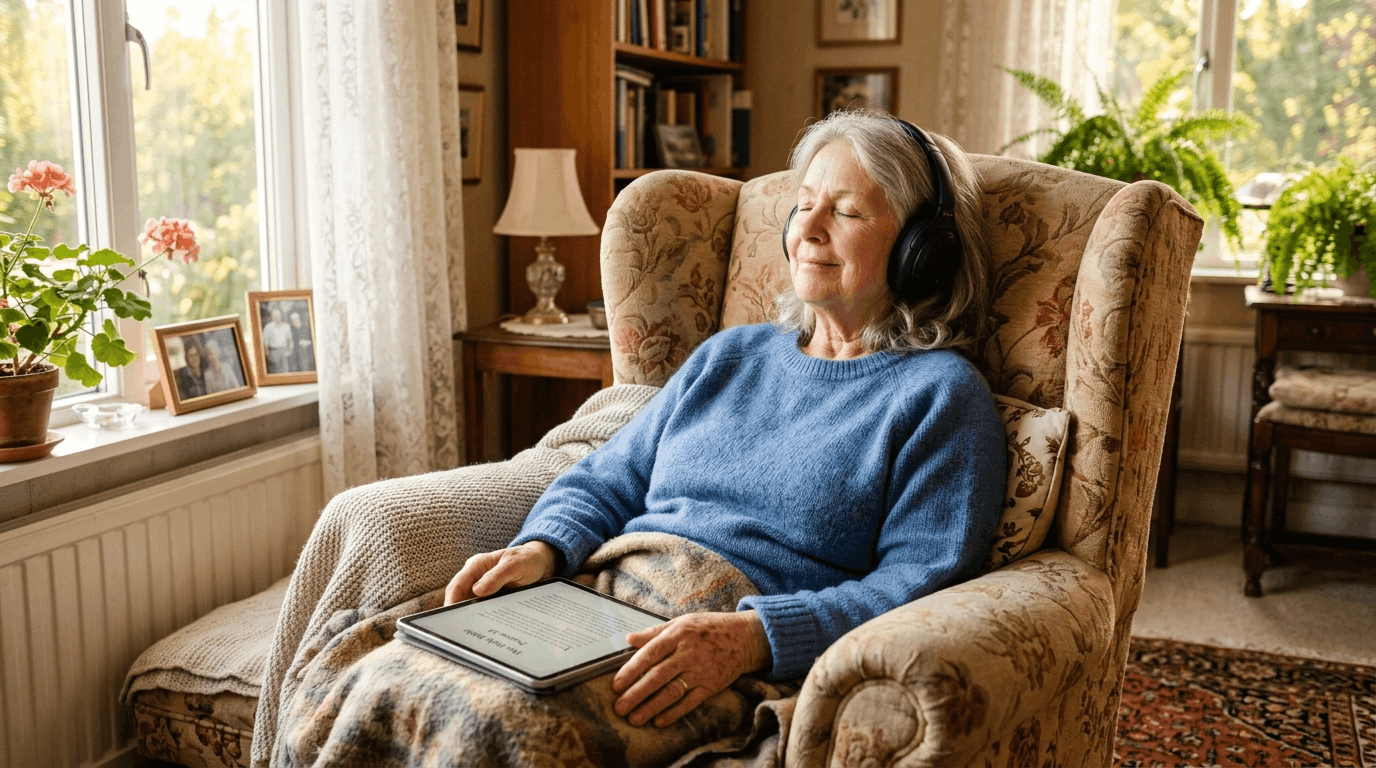
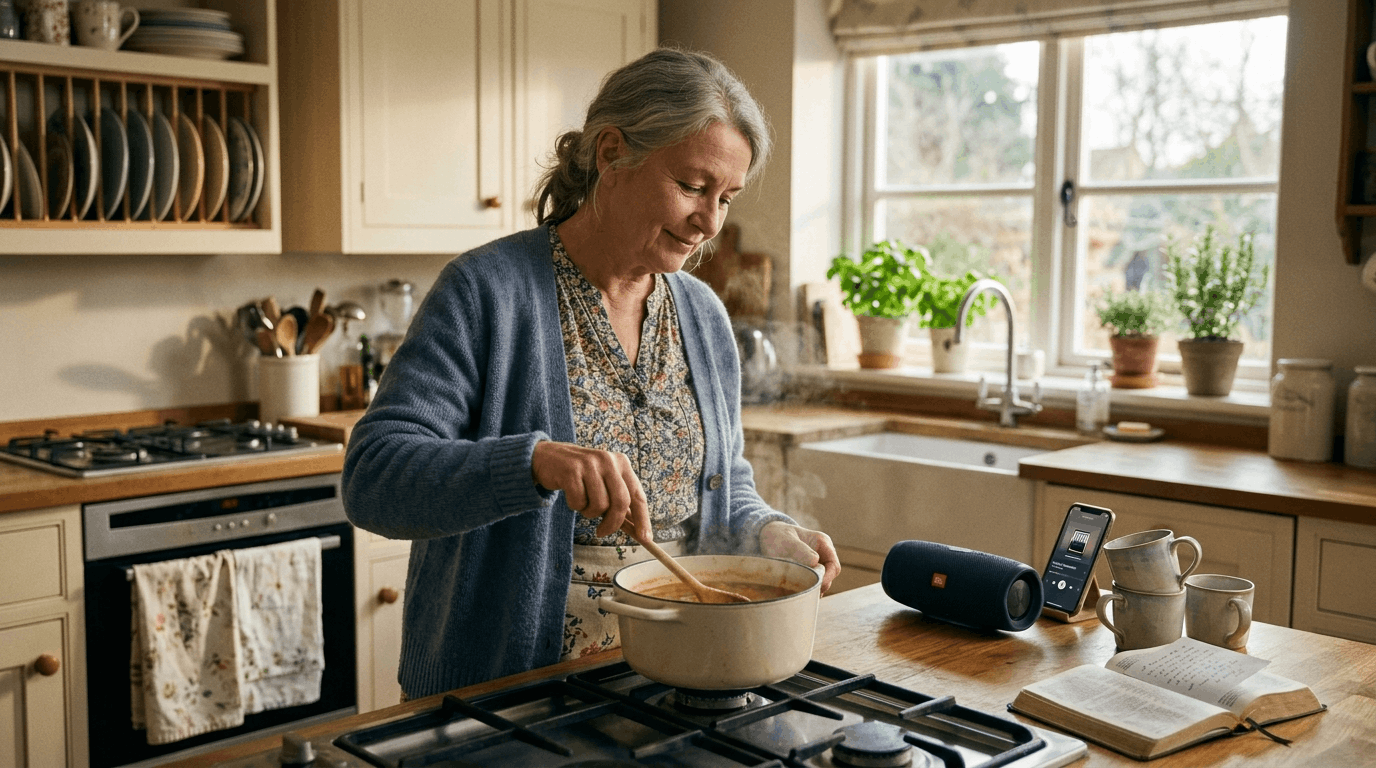
Audio playback lets you hear Bible chapters read aloud in a clear, calm voice. This is especially helpful when:
- Your eyes are tired or strained
- Vision changes make reading on a screen difficult
- You want to listen during rest, a walk, or quiet time in the afternoon
Many people find that combining reading and listening works best: read a short passage in the morning, listen to the same chapter later in the day. Hearing Scripture spoken can help phrases stick in a way silent reading sometimes doesn't.
"Faith comes from hearing, and hearing through the word of Christ." – Romans 10:17
No Unnecessary Distractions
Some Bible apps try to do everything: social feeds, reading plans with daily notifications, study tools, commentaries, maps, and more. For a power user, that's great. For a senior who wants to read one chapter in peace, it's noise.
Look for an app that stays focused on what you actually need:
- Read the Bible
- Listen to the Bible
- Find your place again tomorrow
Skip apps that push notifications, ads, or features you'll never touch. A calm design focused entirely on Scripture is not a limitation—it's a gift.
A Quick Checklist Before You Download
Before you or a loved one commits to a Bible app, run through this list:
- Large, adjustable text you can read without squinting
- Big, clearly labeled buttons that are easy to tap
- High contrast between text and background
- Simple navigation—find any book and chapter in a few taps
- Audio playback for when eyes need rest
- No clutter—no ads, social feeds, or features you won't use
- Picks up where you left off—no hunting for your place each time
If an app checks most of these boxes, it's worth trying. If it fails on text size or navigation, move on—there are better options.
An App Built Around These Principles
One app designed specifically with these features in mind is Bible for Seniors. It offers large, high-contrast text (adjustable up to 200% larger), straightforward menus with big buttons, clear audio on any chapter, and a calm interface without unnecessary distractions. It also remembers where you left off, so you can pick up reading without searching.
It's one option—not the only one. A large-print physical Bible, a tablet with increased system font size, or another app that meets the checklist above can work just as well. The right choice is simply the one you—or your parent—will actually use comfortably, day after day.
Helping a Parent Choose an App
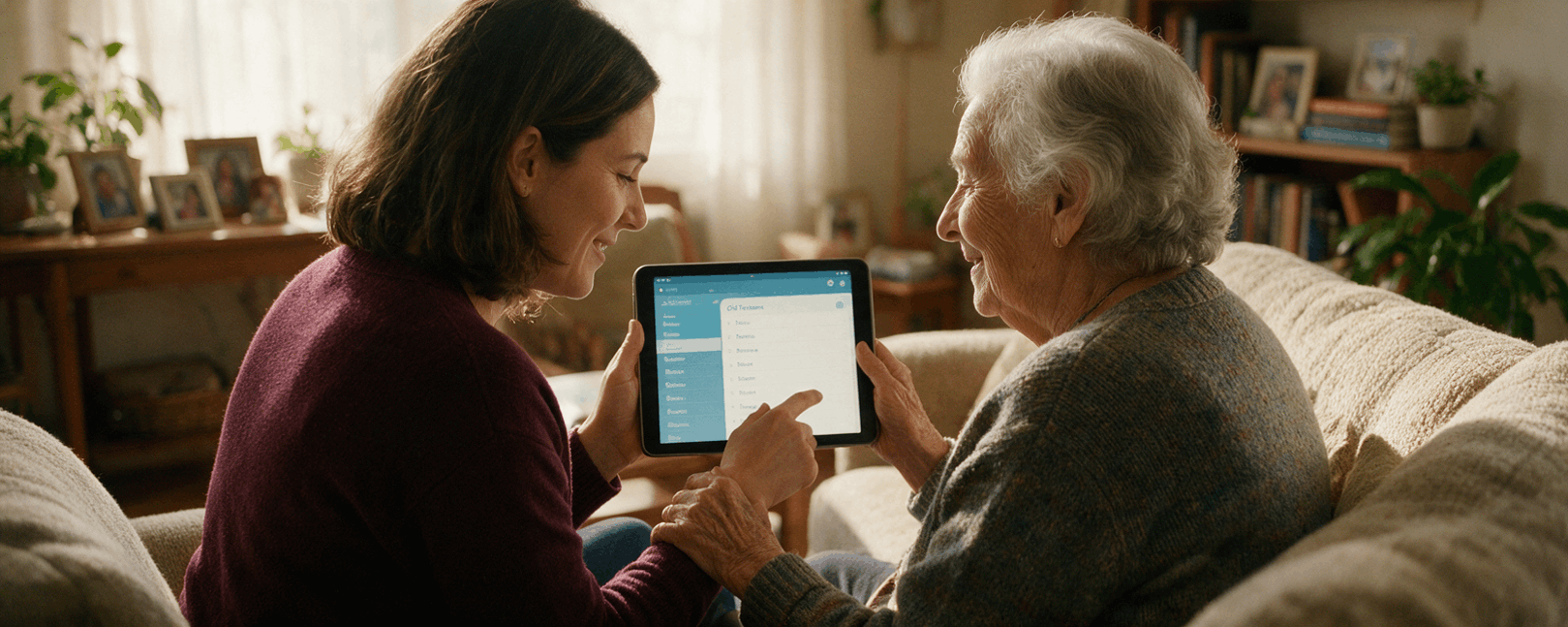
If you're reading this for a parent or grandparent, you can make the process easier without taking over:
- Sit together and open a few apps side by side—compare text size first
- Try one chapter of audio together and ask if the voice is comfortable
- Navigate to a favorite book (Psalms or John are good starting points) and see if they can find it alone
- Bookmark their place so tomorrow's reading is one tap away
- Avoid over-configuring—start simple and add settings only if needed
Your patience matters more than picking the "perfect" app. The goal is a tool that brings them back to Scripture—not one that creates another technology hurdle.
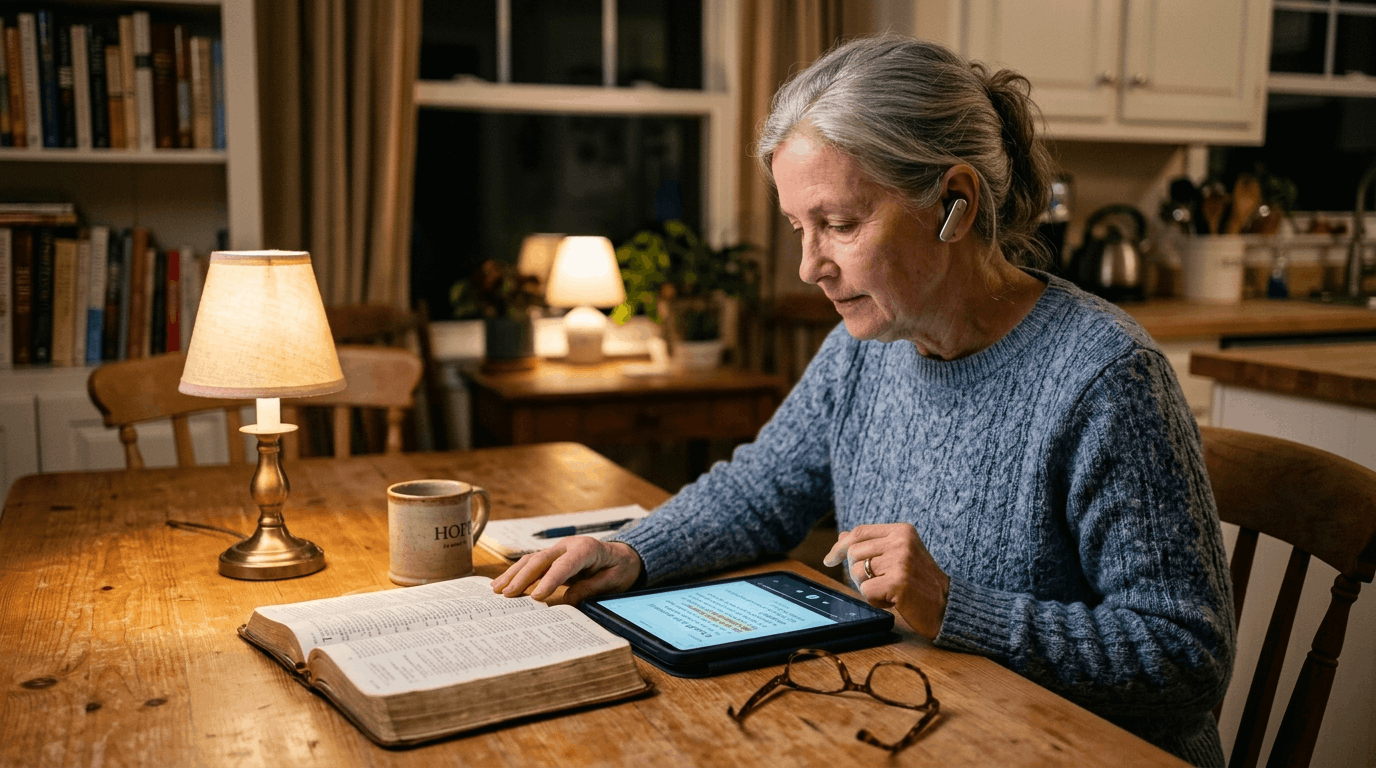
Your word is a lamp to my feet and a light to my path.— Psalm 119:105
The best Bible app for seniors isn't the one with the most features. It's the one with the clearest text, the simplest path to Scripture, and the fewest obstacles between you and God's Word.
Related posts

7 Simple Ways to Make Bible Reading Easier for Seniors
Practical advice for people experiencing tired eyes, reduced concentration, or difficulty using modern Bible apps. Includes larger text, shorter sessions, good lighting, audio Scripture, and simple reading plans.
The Benefits of Listening to the Bible Every Day
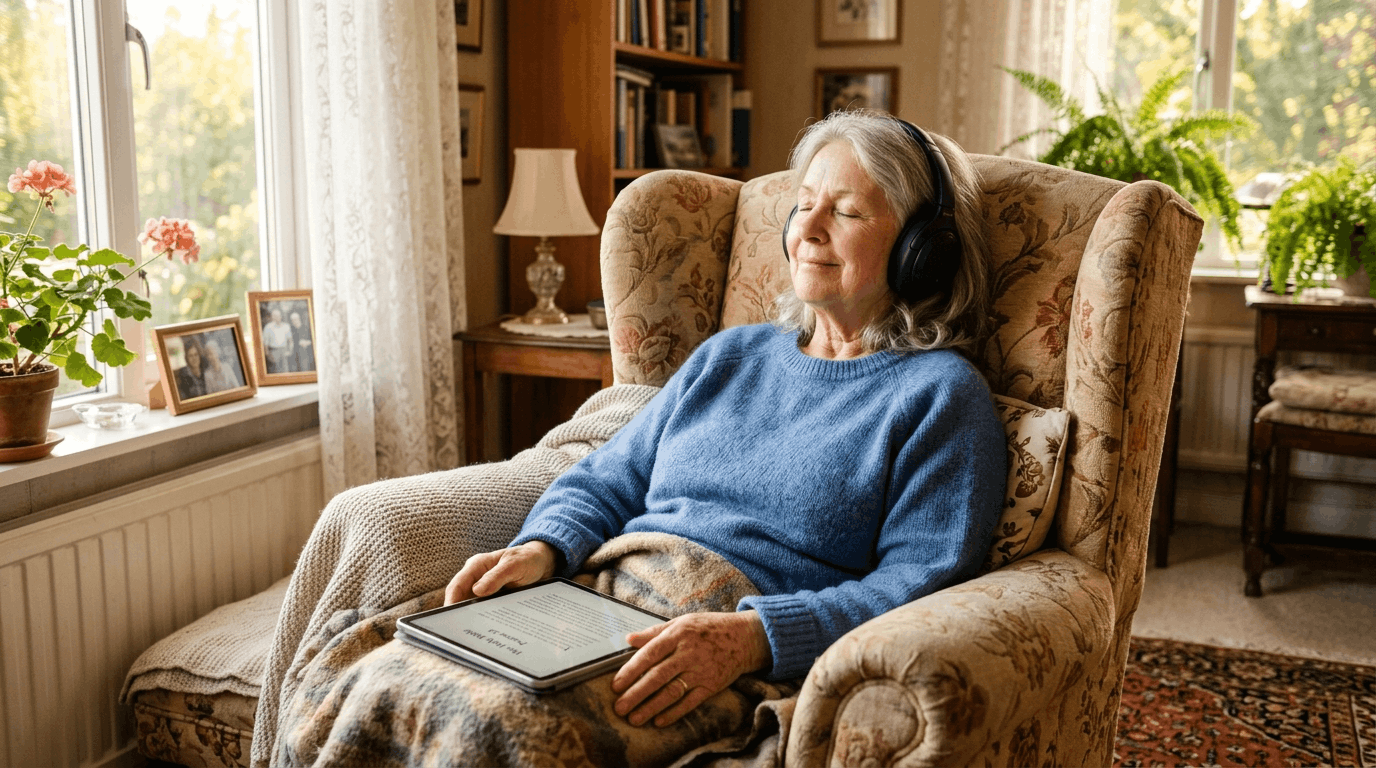
How listening to Scripture can help you enjoy God's Word while resting, walking, cooking, or dealing with vision difficulties—and why combining audio with reading may help you follow and remember a passage.

Best Bible App for Elderly Parents: What to Look For in 2026
Choosing a Bible app for an elderly parent? Learn which features matter most, from large text and simple navigation to easy audio Bible listening.
Stay Connected to Your Spiritual Journey
Get weekly insights, prayer guides, and spiritual growth tips delivered to your inbox.